Blog
Product updates, workflow tips, and notes from the team building ClipBear.
How to Read a Cron Expression (Without crontab.guru)
What the five fields of a cron expression actually mean, a cheat sheet of common patterns, the gotchas that trip everyone up — and how to read any cron line straight from your clipboard on macOS.
Read more →How to Extract Text from Any Image on Mac (the Fastest Way)
Copy any image and ClipBear's on-device OCR surfaces the text instantly in the quick preview — the fewest-clicks way to pull text out of a screenshot, photo, or screen element on macOS.
Read more →How to Convert HEX to RGB (and Back) on Mac
The simple math behind HEX↔RGB conversion — plus how to convert any color instantly from your clipboard on macOS, with a live swatch.
Read more →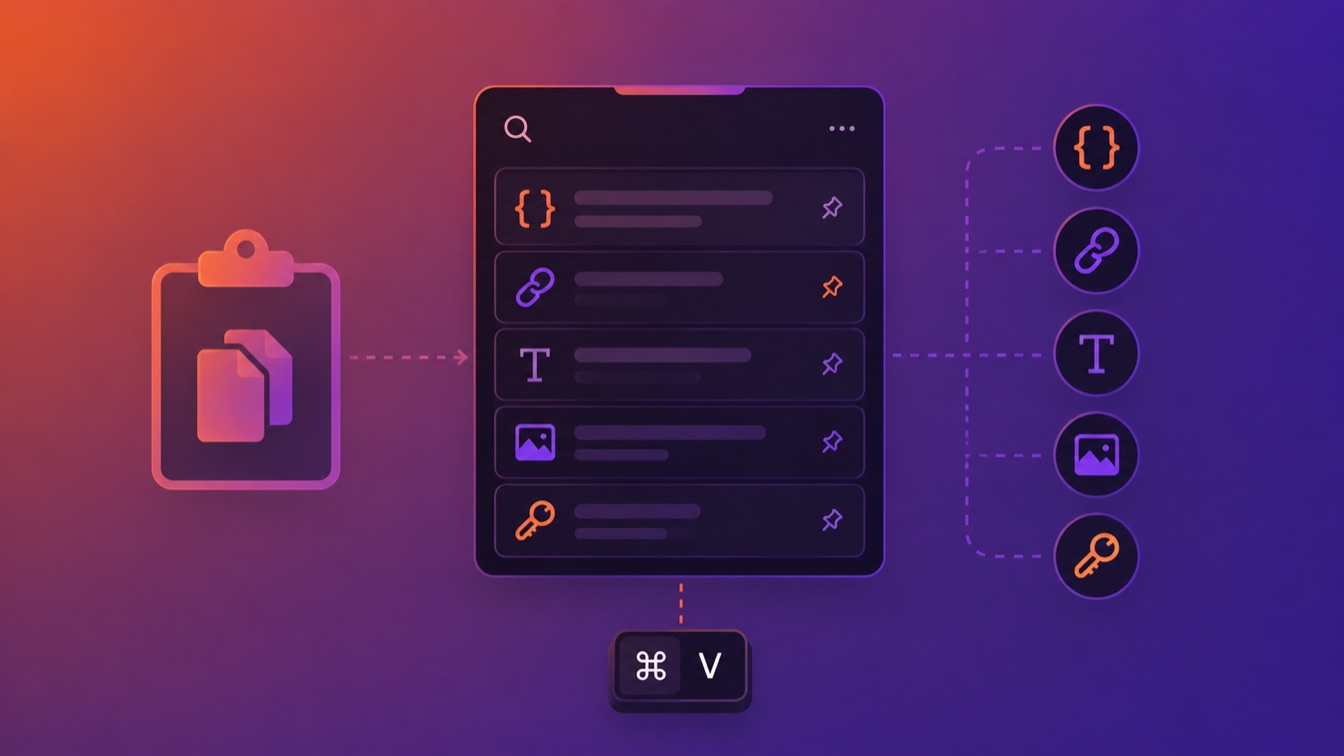
How to See Clipboard History on Mac: The Complete Guide
Macs don't keep a clipboard history by default — only the last thing you copied. Here's how clipboard history actually works on macOS, and how to get a real, searchable one.
Read more →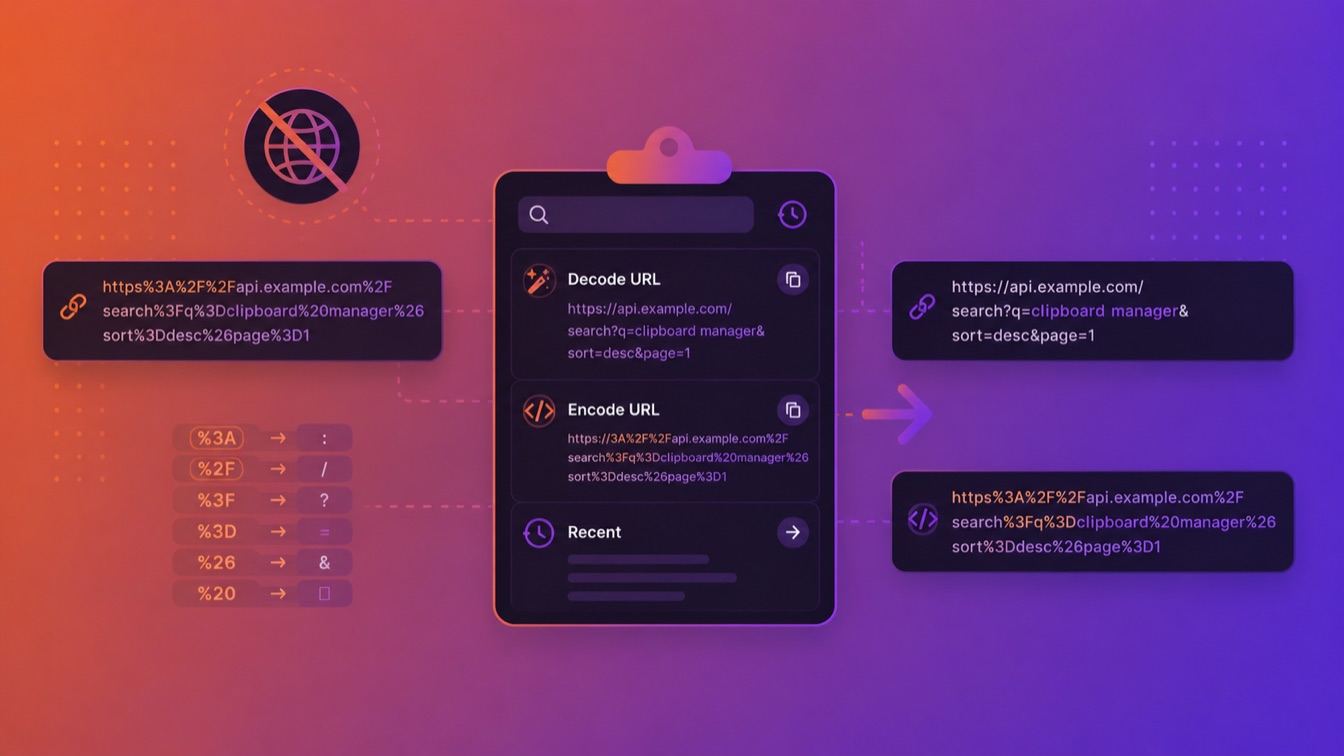
URL Encoding and Decoding on Mac (Without a Website)
Stop pasting URLs into random online encoder/decoder sites. Here's how URL encoding works — and how to encode or decode a URL right from your clipboard on macOS.
Read more →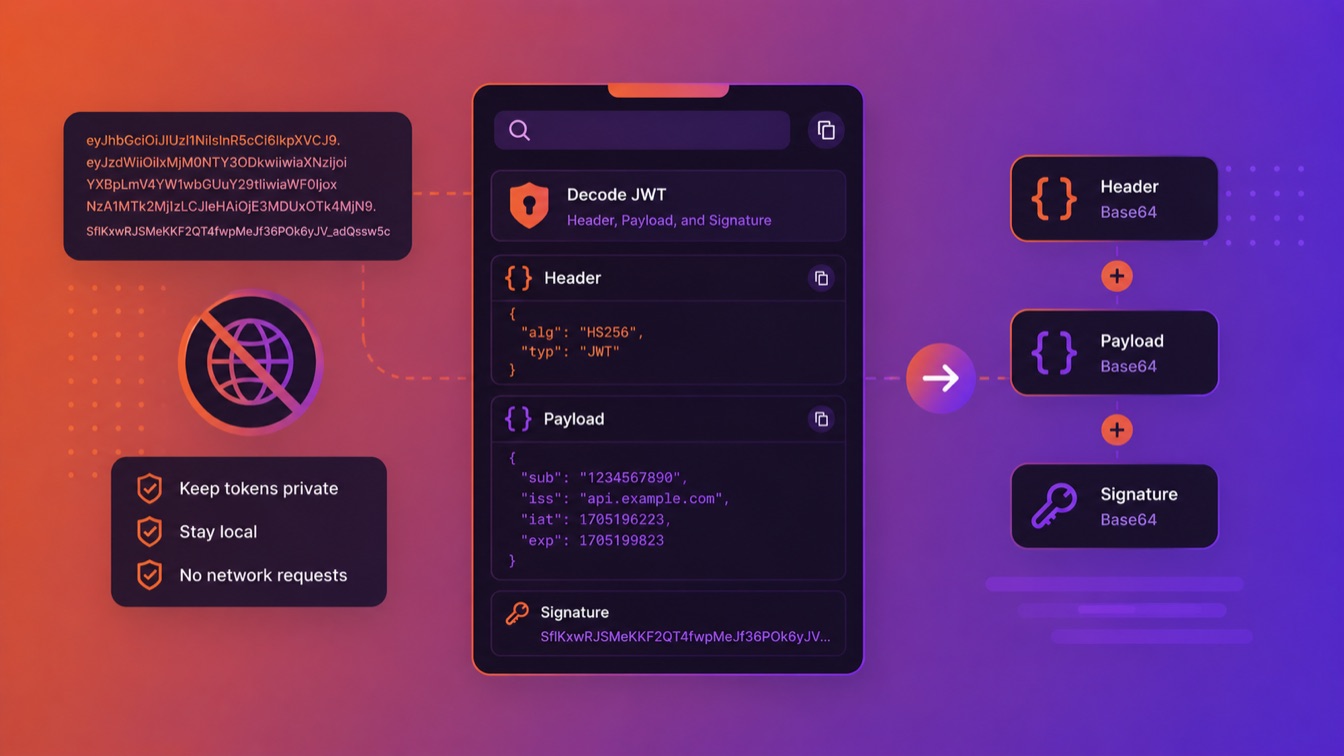
How to Decode a JWT Without jwt.io
You don't need to paste your tokens into jwt.io. Here's how to decode a JWT's header and payload locally on your Mac — and why pasting tokens into a website is a habit worth dropping.
Read more →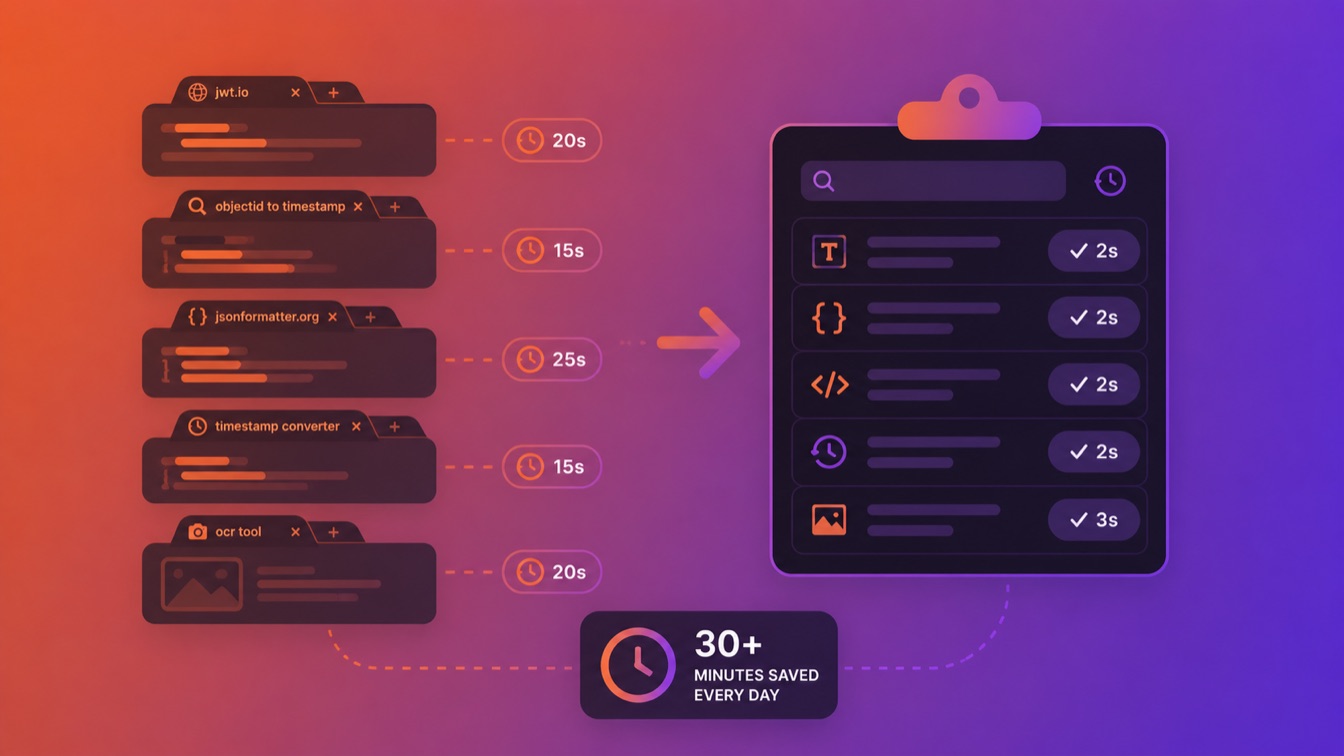
How a Clipboard Manager Saves Developers 30 Minutes a Day
A walk through a real developer's day — JWT decoding, ObjectID timestamps, JSON formatting, OCR — showing how a content-aware clipboard manager saves 30+ minutes and dozens of context switches.
Read more →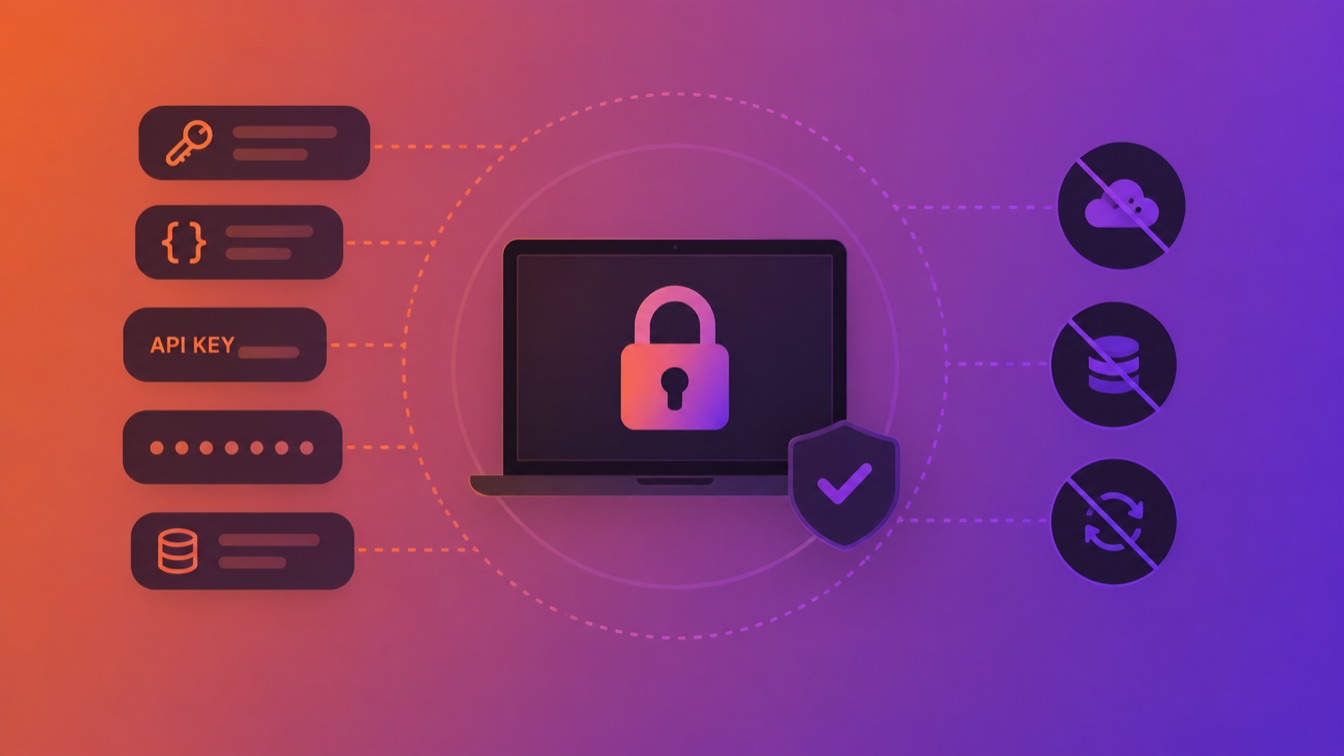
Why Your Clipboard Manager Should Be Local-First
Your clipboard captures API keys, JWTs, credentials, and passwords all day. Here's the case for keeping it local, encrypted, and off the cloud — and what to look for.
Read more →
macOS Tahoe Clipboard History vs ClipBear Compared
macOS Tahoe adds clipboard history to Spotlight. Here's how Apple's built-in solution compares to ClipBear for developers — and where it falls short.
Read more →
Stop Tab-Hopping: 3 Dev Tools Your Clipboard Replaces
Your clipboard already has the data. ClipBear decodes JWTs, formats JSON, and converts timestamps without opening a single browser tab.
Read more →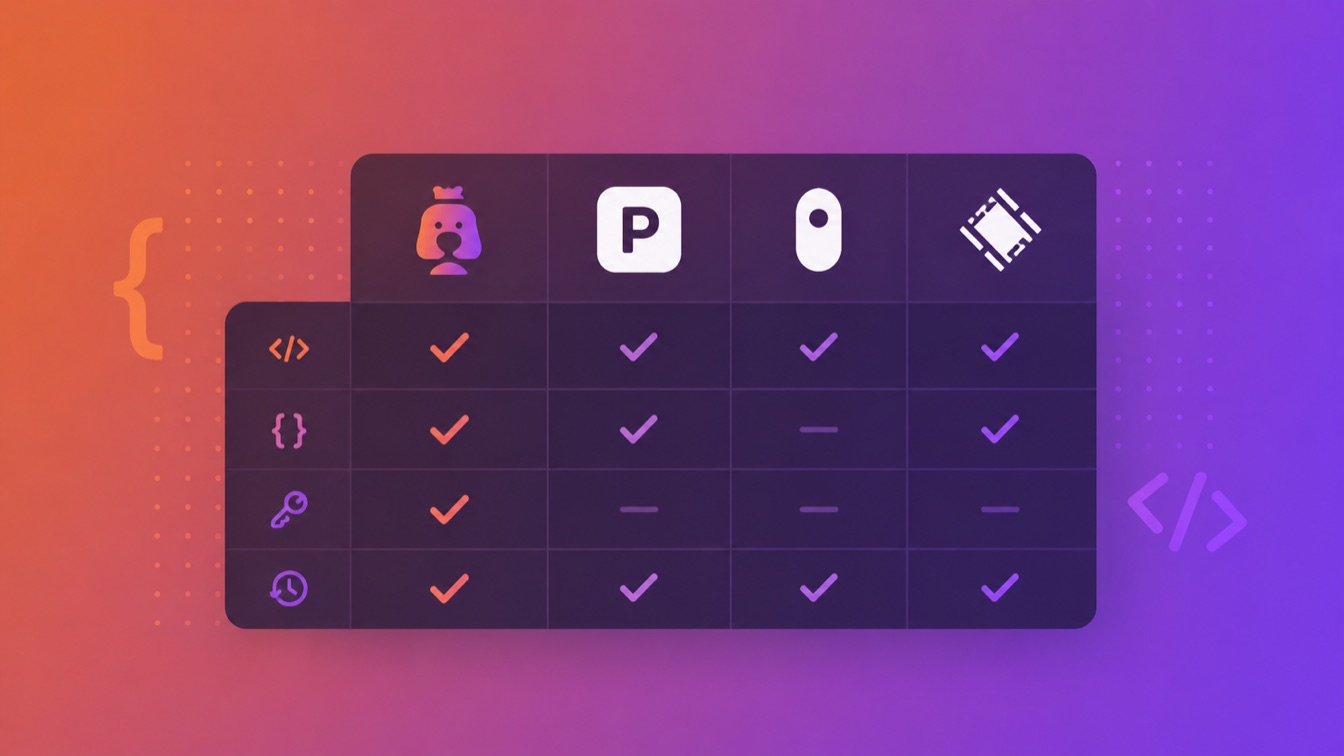
Best Clipboard Manager for Mac Developers (2026): Compared
Comparing ClipBear, Paste, Maccy, and Raycast clipboard features for developers. Which macOS clipboard manager handles JWTs, JSON, and developer workflows best?
Read more →
Introducing ClipBear: A Smarter Clipboard Manager for macOS
ClipBear is a new macOS clipboard manager built for developers. It detects JWTs, MongoDB ObjectIDs, cron expressions, and more — and transforms them without leaving your menu bar.
Read more →